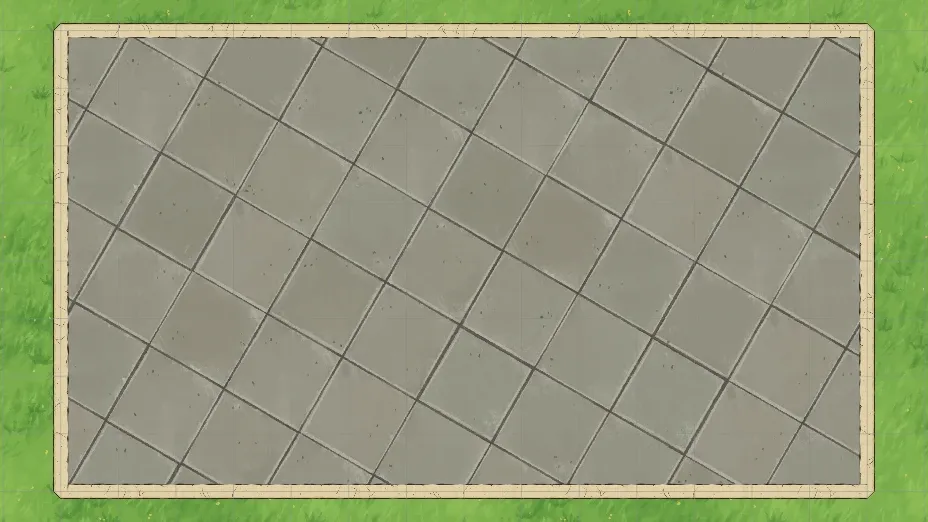
When I started on floors, I figured it would be the easy part. You have a shape, you fill it with a texture, easy peasy lemon squeezy.
But the moment you look at a simple stone floor tile or a wooden deck, you realize that simple repeating is just not going to look good at scale.
Repeating vs Randomized
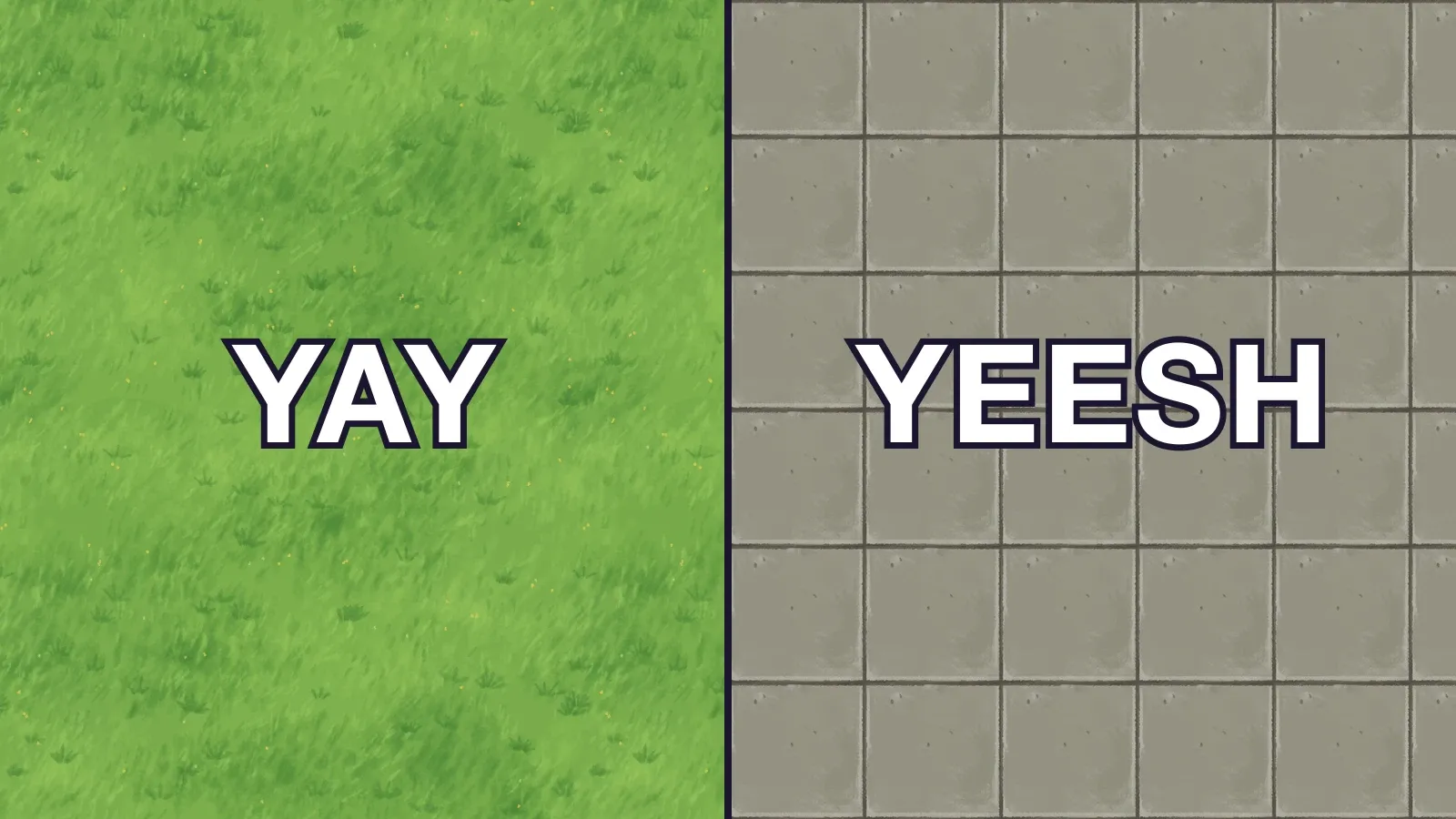
So, the simplest way to do this is just to make sure that the texture is a seamless asset, and you can repeat until the cows come home. Dirt, grass, sand, water — all of this works really well. In PixiJS that’s just a TilingSprite, and it’s about as simple as rendering gets.
And in Artifax, that’s how Surfaces and Terrain work. They’re just large (2048px) seamless textures that repeat over and over.
Floors on the other hand can go either way, and it really depends on the type of asset you pick; you can have a seamless texture that repeats — like a mosaic or wood plank pattern.
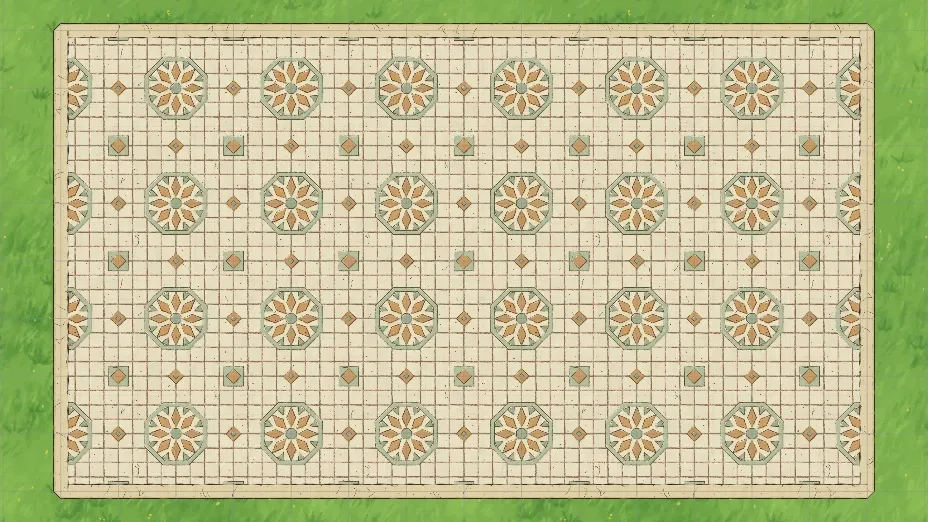
The problem we run into is that repeating patterns get really obvious for man-made textures. Our eyes kind of blur together grass or sand, but the microdetails on a stone or tile, like a small crack shows up every 5 feet on the repeating tile. So what looks good on that 2048px grass plain stands out like a sore thumb on that smaller scale.
So in this case, we use a tileset, which we cut up and randomize using our placement algorithm. In this case, the texture isn’t just one seamless image — it’s actually a 4x4 sprite sheet of 16 variations on the same tile
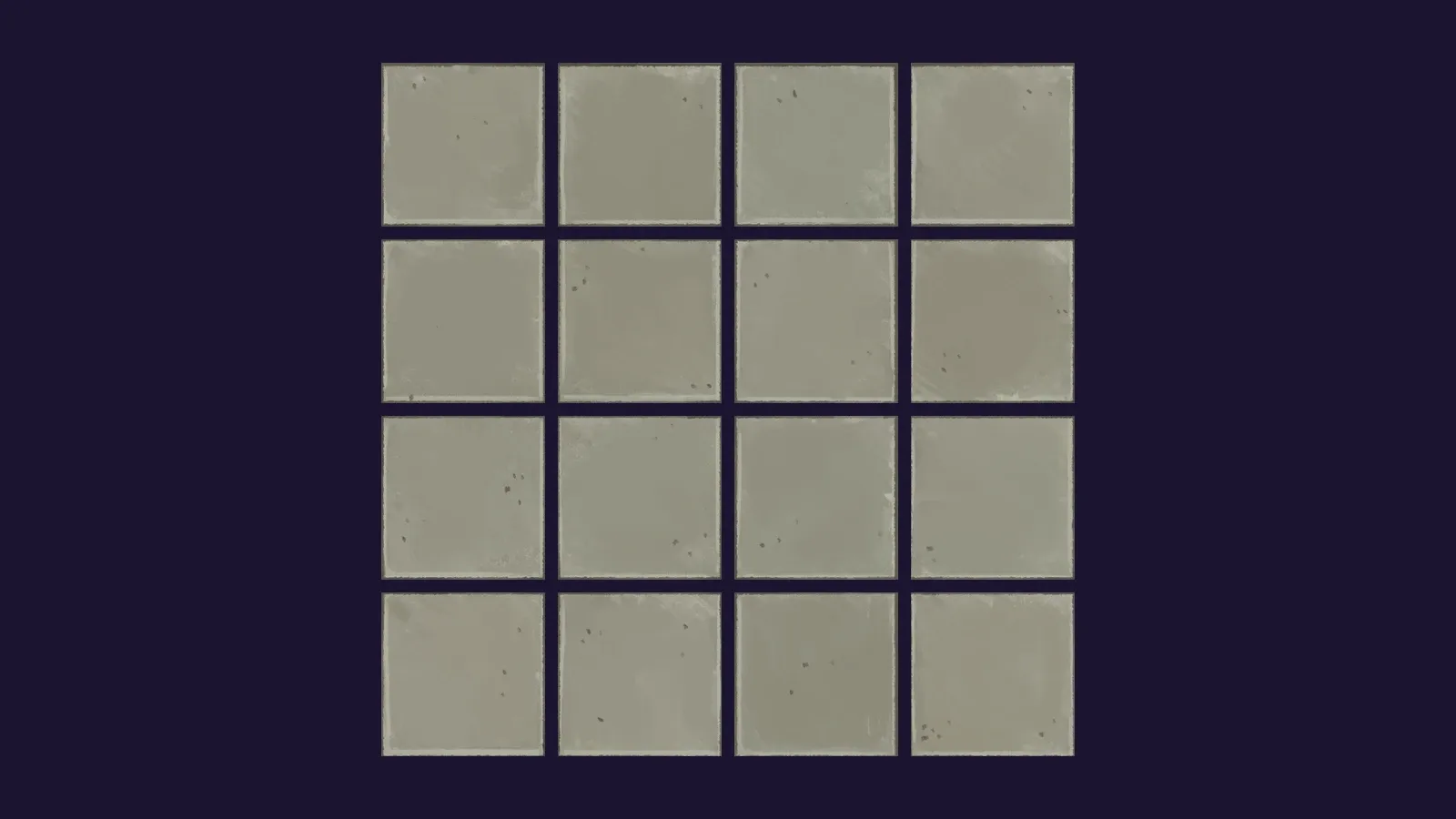
That gives us 16 slightly different flagstones, wood planks, tile floor or whatever that the algorithm can play with. For every grid square in the shape that we’re placing, the algorithm picks one of the sixteen at random (well, seeded random) and suddenly the floor looks like it’s been laid out by hand, rather than just an obviously repeating copy-paste.
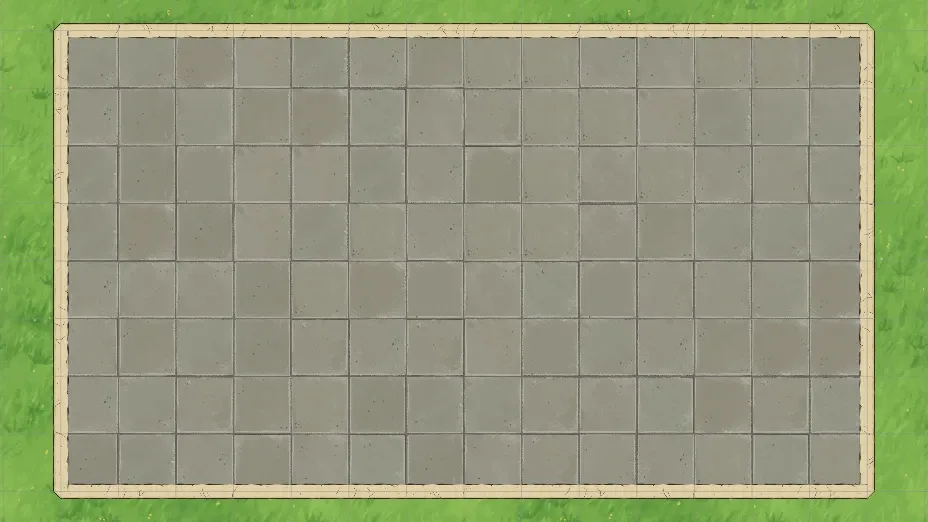
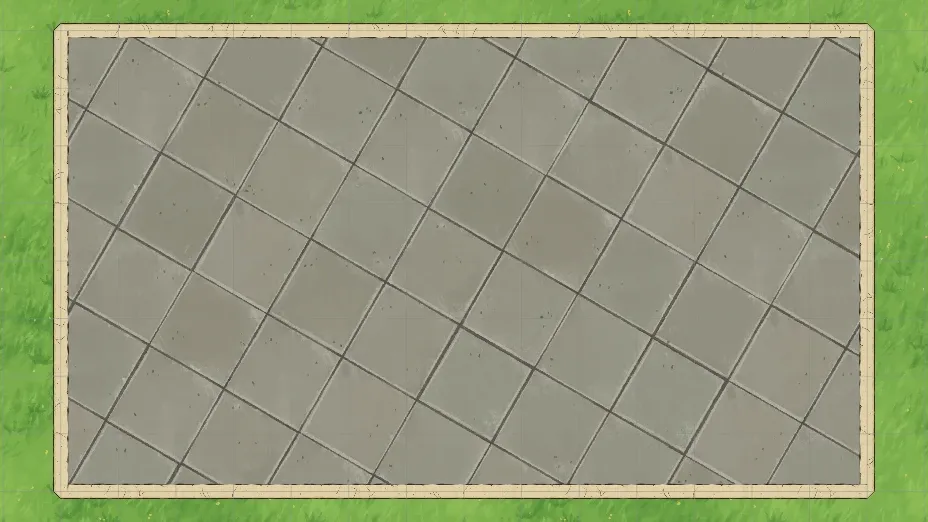
And since I’m using the same texture processing under the hood, we get the same scale, rotation and offset controls that we have with the seamless tiles. So the entire randomized tile grid rotates as a single piece, and everything stays nice and lined up.
Random, but Not Too Random
So, fun fact: if you just call Math.random() for every square, then the floor is going to reshuffle itself every time the map redraws. Pan the camera? Floor rearranges. Add a tree? Floor rearranges. Open and close the map? Better believe that’s the floor rearranging.
So… not so great for drawing maps. (Or navigating a labyrinth)
So, when we are working with the randomness, we’re seeding the RND with the map’s seed, the layer’s ID and the column and row of the square. That gives us enough variability so that two square rooms don’t have the exact same tile layouts, but the randomness is stable within any shape.
That means you can redraw, reload, send the file to a friend, and square 4,7 will always be the same tile.
And this works out well for us at a developer level because we never have to save it into the file. The map file doesn’t need to store tile 1, tile 11, tile 6... for every single square in the room. It just stores the seed (at the map level), and everything is recalculated on the fly.
That’s a nice contrast with how DungeonDraft stores their material layers (which I talked about last time), where the painted area gets saved as a low-res grid of bits. Here we’re doing something similar, but just saving the area blob, and then what texture needs to fill it.
Bringing in DungeonDraft Packs
Speaking of DungeonDraft, here’s where we tie back into one of the main goals of Artifax Mapper, which is we all have TERABYTES of assets in our libraries, and we don’t want them to go to waste… So how do our existing asset packs map to this tile-based system?
So, DungeonDraft (fortunately) uses a very similar system to what Artifax uses. Dungeondraft packs sort their textures by folder, so we can tell what type of processing to use on the assets based on where they’re stored.
In this case Tilesets come in as randomized tiles, which is exactly what we want for this.
Patterns are slightly different though. Those are the NON-tiling seamless tiles that we were talking about before. We have to make sure that we’re not cutting those up, or it will look as good as you probably expect.
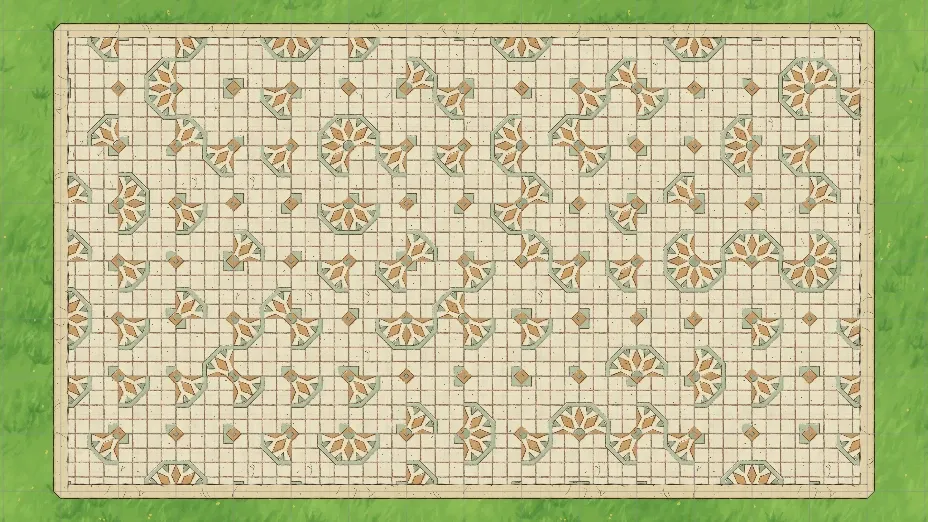
DungeonDraft tiles also have a couple of niceties like colored tiles as well as Smart Tilesets, which have corridor pieces, so when you draw a narrow hallway you get proper corners, T-junctions, and dead ends… But in my experience very few map designers are actually using them.
It’s a lot more math that we need to add to the rendering engine, but I have to make sure I’m focusing on the 80/20 to get the best map-building experience out, and then we get to work on the nice-to-haves.
See you on the flip side.
Taggedtilestexturesdungeondraft