On this page
This is the first entry into the development of mapping software for ArtifaxStudio. My goal with this is to keep a record of the design goals as well as the decisions and changes that were made along the way, which will hopefully lend clarity to the project, and get feedback form the community in shaping the mapping software from something that I want into something that the entire community can enjoy.
The Impetus
The desire for making Artifax Studio came, like all good software, from being annoyed with the solutions that were currently available. I had been using DungeonDraft, FoundryVTT, Inkarnate, and a host of other drawing softwares, all the way back to Campaign Cartographer in the late 90s.
Again, like many software pet peeves, it often comes down to UI and goal-based UX. Coming from design software like Photoshop & Illustrator, and more recently Figma — there is a huge gap between the industry standards in most illustration programs and what we see in TRPG mapping software.
Some of that gap is legitimate. Maps & design are related but fundamentally different things, and a mapping tool shouldn’t just be Illustrator with a grid on it. But I feel there are bare minimums that have been standardized through decades of design UI & UX, and most mapping software still doesn’t clear them.
Beyond the UI, I feel that existing solutions all grab piecemeal at a part of the battlemapping problem, but none build it into a cohesive whole that, most importantly, is NOT vendor-locked and allows a healthy community of modding and assets.
At the end of the day, TRPGs are about the imagination and creativity that the GM and players bring. Forcing that into a system where there’s only one style of asset, or that’s locked down so nobody can extend it, works against the entire point.
Fundamental Goals
There will definitely be changes in the way things get implemented, and priorities are going to shift, but there are some fundamental goals I want to accomplish to make sure this is a success.
1. Placing & Painting
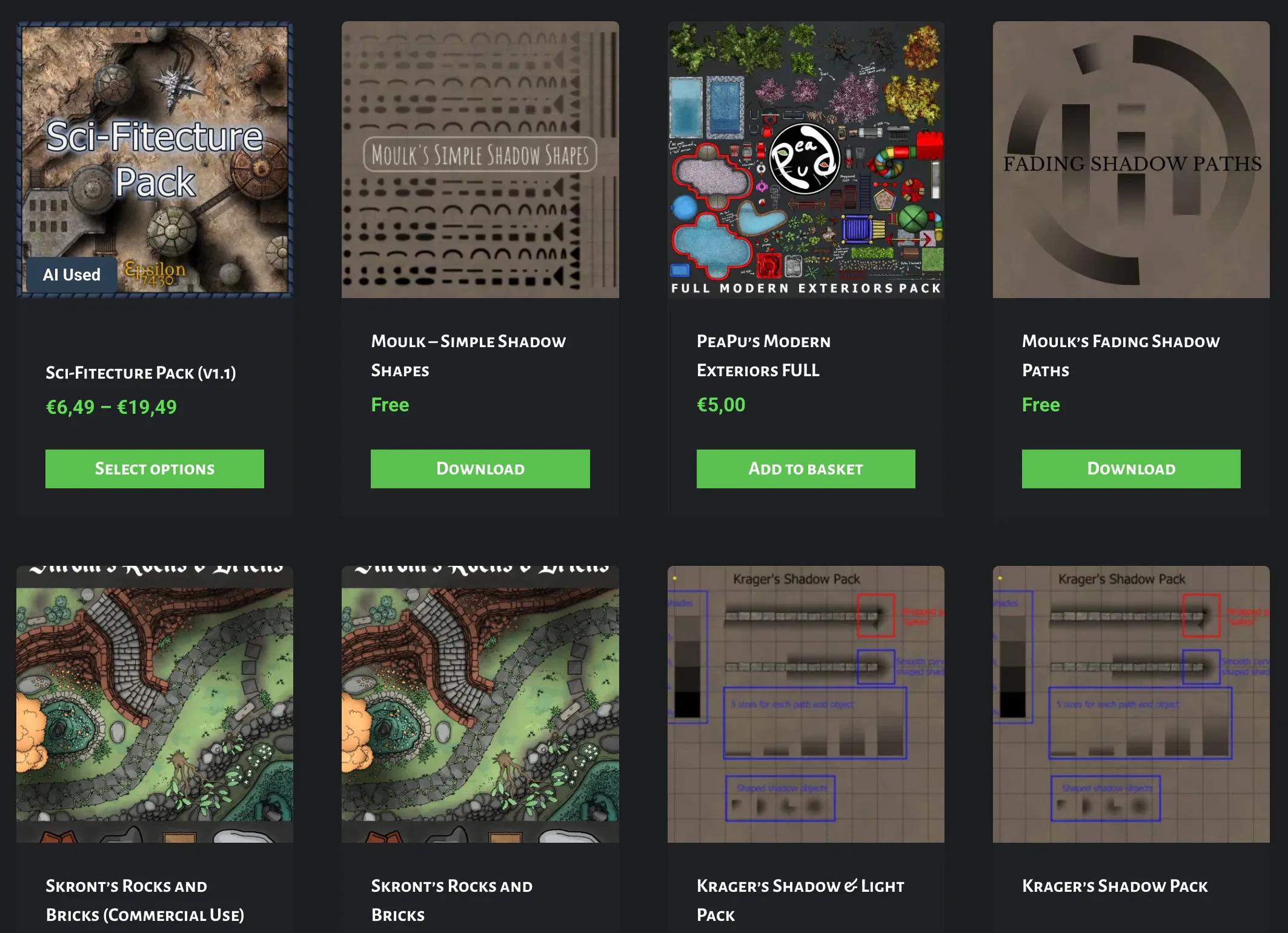
Probably my biggest bugbear with existing mapping software is the decision that they’re EITHER a placement tool or a painting tool. You place a tree, you place a wall, you place a rock, and the moment you want a soft shadow under that rock or a scuff of mud across the floor, you’re out of luck. Hence the shadow packs.
Placed assets (sprites, textures, prefabs, etc) are by far the QUICKEST way to get your ideas on the page, but I consider them broad strokes — they still require a lot of work to give them that extra polish to make them pop.
Think of it like painting minis. Yeah, you can slap-chop and get some good base colors down quickly, but being able to easily add the highlights and shadows and grit and grime is what makes it shine.
To sum up, three things belong on one canvas, in one layer stack, with one undo history:
- Placed assets, the sprites and textures you drop in (the Illustrator / Figma part)
- Vector shapes you draw yourself, with real editable curves
- Raster brushes, painting directly onto the map (the Photoshop part)
All living and working natively next to each other, without going to a different program for a “polish pass.”
2. Editable everything
This ties into the first point, but it really grinds my gears when different objects on the map (walls, rooms, trees, ground, etc) all have different interaction models, and some can’t be edited at all once you put them down.
Why can’t I edit a room once I put it down? Why do I have to create a faux room and use that? Why can’t we just follow a standard editing model?!??!
So that’s the model in Artifax. Everything on the canvas follows a similar editing model. A wall is a path. A room is a path. A river is a path. Select it, get handles and an inspector, drag the points. Same rules every time, for everything.
3. Reuse assets you already have
There are SO many talented asset creators out there. 2-Minute Tabletop, Crosshead Studios, Forgotten Adventures. Most of us already have gigabytes of this stuff bought and sitting in a folder.
Point Artifax at that folder and it reads the pack’s existing structure, files everything, and makes it searchable. No re-tagging 4,000 PNGs by hand, no waiting for someone to publish a conversion.
4. Intent versus “Every single tree”
When novices start drawing a person’s face, they inevitably start with the eyes. No idea why. We all do it. But when you do that, the rest of the face gets out of proportion, and everything starts to look weird.
Which is why artists (and especially painters) start with “blocking.” Blocking is when you build out the major shapes of what you want the final piece to look like. It gives you an idea of the layout of the finished product, and then you’re able to refine from there.
Mapping is no different. How many of us have started with a little cottage hidden in the woods, gotten every tree placed perfectly, and only then realized the rest of the map is completely bare grass.
So in Artifax you don’t place a forest, you draw the area that IS forest, and let algorithmic distribution fill it. Density and mix are sliders. Don’t like the arrangement? Re-roll it. Want that one tree three feet left because that’s where the ambush happens? Grab it and move it, because (per #2) it’s just an object like everything else.
Block out “woods,” “grasslands,” “city,” “kitchen,” get the slap-chop version looking good for players, and add the extra polish if and when you want it.
5. Low bar, High Ceiling
At no point do I want people to be stuck.
You shouldn’t have to be an artist to get started, and you shouldn’t hit a wall the moment you are one.
The usual problem is that “easy” tools get easy by taking the decisions away from you…The generated forest is a forest, take it or leave it. So in Artifax, nothing generated is special. That forest #4 scattered for you is a pile of perfectly normal objects. The room the tool built is a path you can drag.
And on the business side, a couple more:
1. Perpetual Fallback License
I think we’re all tired of subscriptions. Lord knows I am. But at the same time, continued development requires continued revenue. I don’t want to do the crappy “versioning” that used to be the bane of Photoshop users everywhere, and I don’t want to do the monthly billing that is the current bane of Photoshop users everywhere. ;)
I feel like a yearly “Perpetual Fallback License” is the most fair to both developers (me) and users. It’s the same model JetBrains uses, if you’ve run into it there.
When you buy the software, you get all the updates for a full 12 months. At the end of the 12 months you can either renew for a cheaper price, or just keep using the latest version you had access to.
This way, you never lose access to what you bought, and you only pay again if the new development is worth it to you. Which puts the pressure where it belongs, on me, to keep shipping things worth paying for.
2. Online Services
This is a semi-goal, but as we all know, keeping online services running costs money.
Whatever happens here, Artifax is local-first. Your maps are files on your disk, and nothing about the app requires an account or a connection. Similarly to how Obsidian works, I’ll probably end up building optional cloud-sync for people who want to manage & share their maps online. Or just use Dropbox. We’ll see. ;)
Where things stand
As of now, it’s just before Christmas, 2025. I started playing around with PixiJS and raycasting during the summer, but hadn’t had a moment to get back to it.
The goal is to start building a mental model of what the heck a battlemap is and take it from the technical side (drawing) to the user side (usable elements).
There are a lot of paths open here, and the goal is to stay focused on the core release instead of getting sidetracked by “nice to have” features and stretch goals.
See you on the flip side.
Taggeddesign-goalsmappinglicensing