You know what ELSE everybody likes? Parfaits!
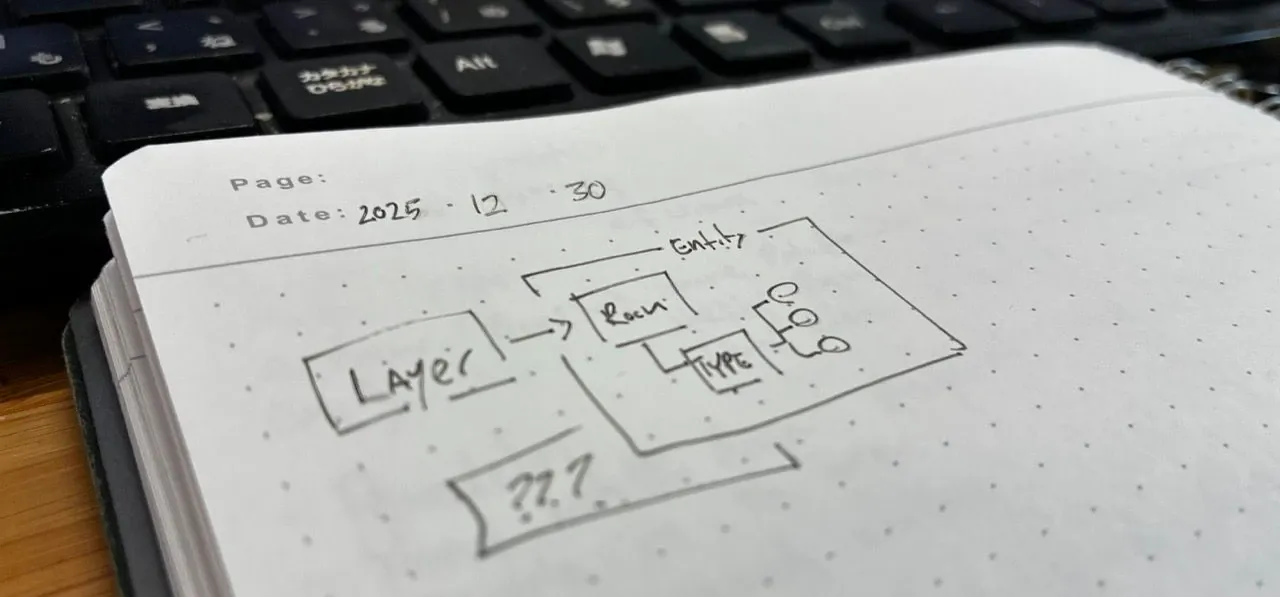
Probably just the way that my brain works, but whenever I’m working through projects or design, or games, or rules, or really any type of system… I’m thinking in terms of boxes.
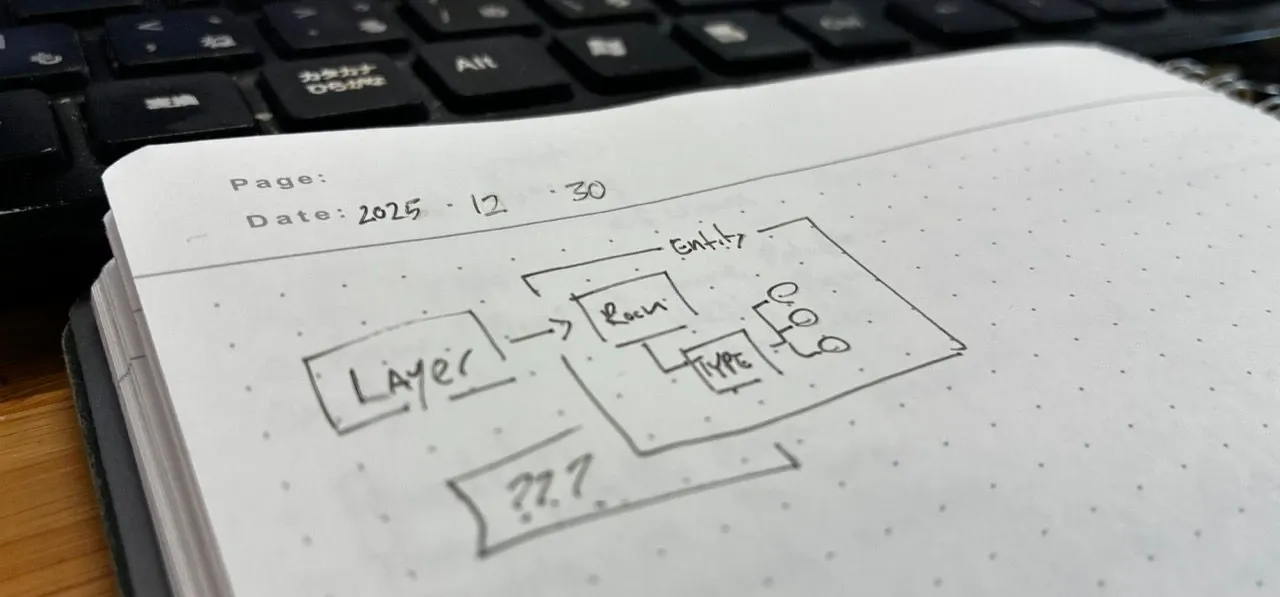
Boxes relate to other boxes, they can contain (and be contained by) other boxes. And they give a great way to go from top level to detail very quickly at any resolution.
So, what does this have to do with mapping?
What is the base of a map?
If we were to just look at a map, we might think that it’s an entity like a house, or a tree, or a river.
(In fact that was my first trek into this: Entities)
But if we scale out, we see that the tree is sitting in a glade. And the tree is NEXT to the house. And the glade has a river running through it. And the river has some rocks.
Everything’s connected.
And so when we move or resize those objects, we probably want them all to relate. Children and siblings and parents all have relationships to each other.
And that means that everything, at the end of the day, is a layer.
That allows us to ahem layer things in and around the visuals themselves. A table goes into a room, a shadow goes under the table. Everything has a position within the layer tree.
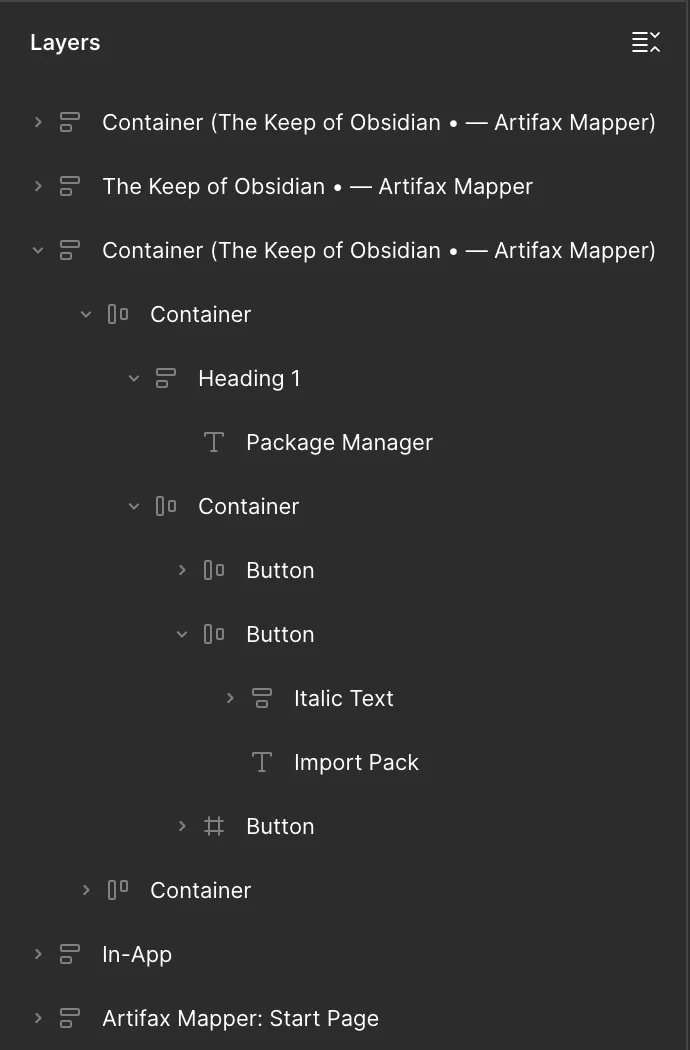
I feel like Figma really got this right.
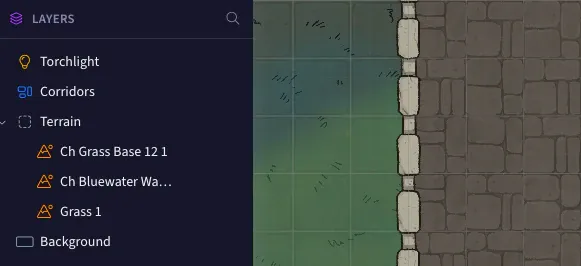
We have to make some changes for dealing with map layers instead of drawing layers, but the idea is the same.
What layers gets us
So, what does this mean for map-making? Well, as I was discussing in the previous article, it means that everything follows a standard interaction model:
- Layers can be reordered, to put a tree above a house or a house above a tree
- Layers and everything inside them can be moved, resized, rotated, and scaled as one thing
- Layers can be pulled out of their parents or grouped together, so you can build a “river” object that carries all its rocks and reeds and debris around with it
- You can hide or lock a single layer, a group, or an entire branch at once
So, grouping, layers and transformations all together.
And groups here are worth calling out, because the rule is almost embarrassingly simple: a group is just a container. It holds things and renders nothing itself. That one sentence is doing an enormous amount of work. It’s why a group can be moved, hidden, locked, and reordered without any special-case code, because it behaves exactly like everything else in the tree.
The actual hard part
I assumed the hard part would be visibility and sort order.
Oh sweet, sweet summer child.
Sort order was pretty straight-forward, but what actually ate an entire month was rotation.
In a flat tool, rotating something is easy. You spin the pixels and you’re finished. In a tree, a rotation on a group has to reach every descendant, and every one of those descendants already has its own position, its own scale, and possibly its own rotation.
AND, we’re not rotating each item along its pivot point. We have a DIFFERENT pivot point that is the center of the group of items that we’re rotating.
That means when you rotate a tavern thirty degrees, every table inside it has to land in the right place and at the right angle. Then the selection box around the whole thing has to be the box around the rotated result, not the rotated box around the unrotated result.
Those are two VERY different boxes. Ask me how I know.
My first version put rotation on the PIXI container, because that is exactly what containers are for. It fell apart the moment anything nested, because now there were rotations at three levels and “where is this drag handle, actually” became wild stab in the dark. It took about a week of being wrong before I gave up and moved rotation down onto the path itself, and stopped letting PIXI manage the pivot at all. The commits from that week are not subtle:
Set rotation on the path, not the container
No more setting pivot. we do that manually because we're rotating manually.
Nesting kept finding new ways to be wrong. There was a solid stretch that was just rooms: scaling a room scaled everything in it, including the props, which is not what anybody wants.
When you resize the tavern the tables should stay table-sized, not suddenly become a tavern for ants.
So I finally got that calculation working, and then groups arrived and the whole thing started over, because now a rotation could nest inside a rotation.
The best thing to come out of any of this was a happy-little accident. Once group rotation worked, I realized a multi-selection is just a group that doesn’t have a name yet:
When transforming multiple selected layers, they should be manipulated as if they were a group, even if they are not a group
One last tax that nobody warns you about. In a structure where a layer knows its parent, a parent knows its children, the selection knows both, and the store knows all of it, you will eventually type something in a circle.
So making sure that we didn’t get any circular dependencies with the Parent/Child relationship was just special place in hell.
But it wasn’t ALL bad….
We got a bunch of stuff for free
From the mental model of layers though, once we realize that everything is a layer, then we get a lot of functionality built in.
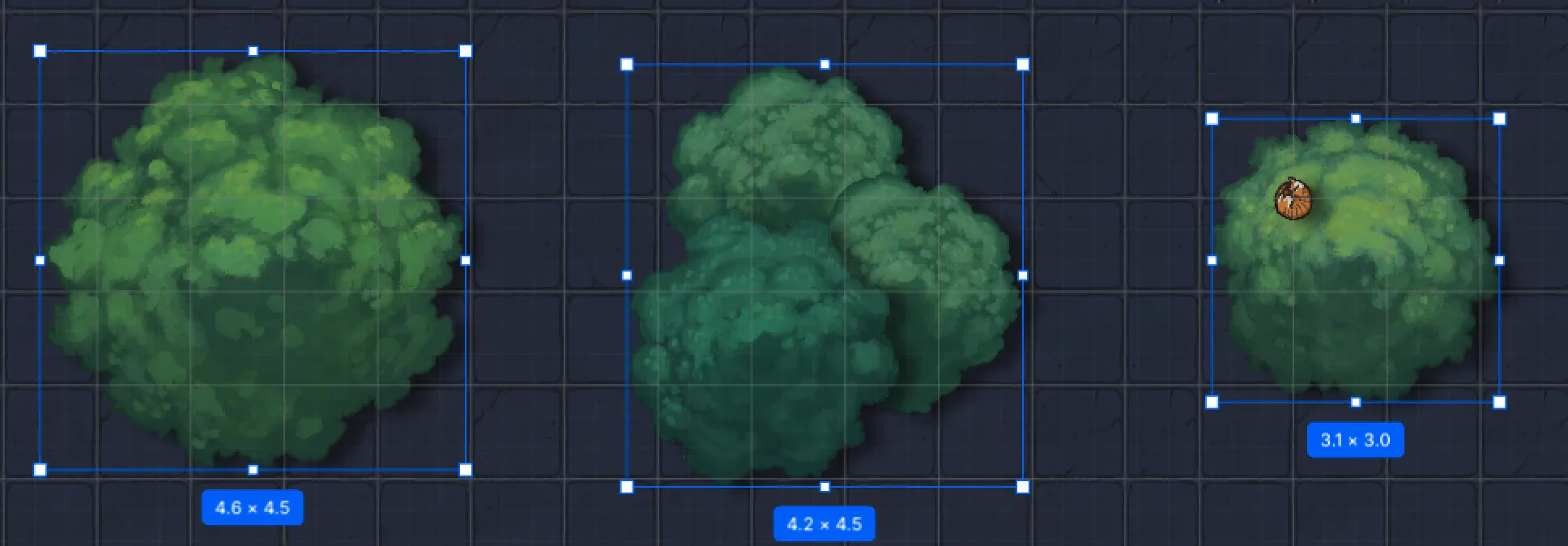
For example, we now have bounding boxes on all our layers. Whether that’s a single tree, a group of trees, or a tree with an acorn in it.
It also means that we know that in addition to bounding boxes, each of our layers is going to have an outline path. Whether that’s a circle that we draw, or a tree asset that we imported, we’re going to have a path that represents the solid part of the layer.
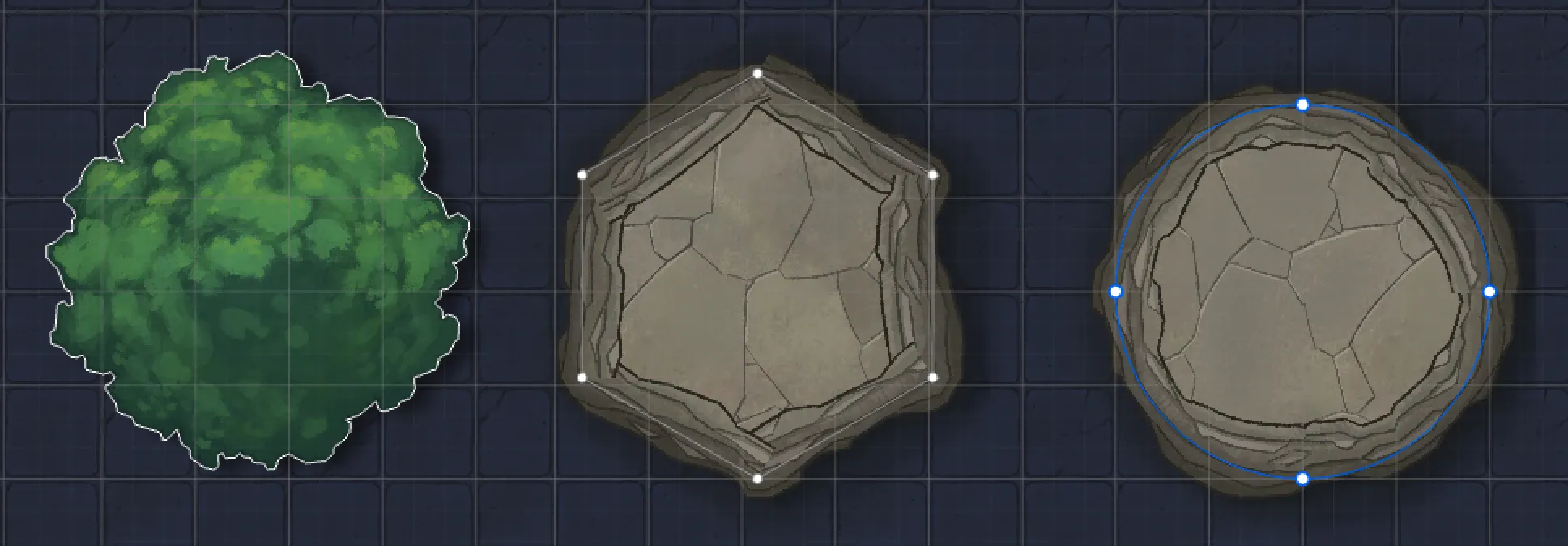
And since we know that each of our layers have this path, we can then add handles to be able to manipulate those layers, at the path level — letting us rearrange and distort our layers.
PS. And why naming matters
Originally I went the Entities route before I realized that we needed the entire Layer tree. And evvvvverything had to be renamed, and my whole mental model had to be changed to Layers.
Lock that crap in early. Lock it in.
Taggedlayersgroupsrotationarchitecture